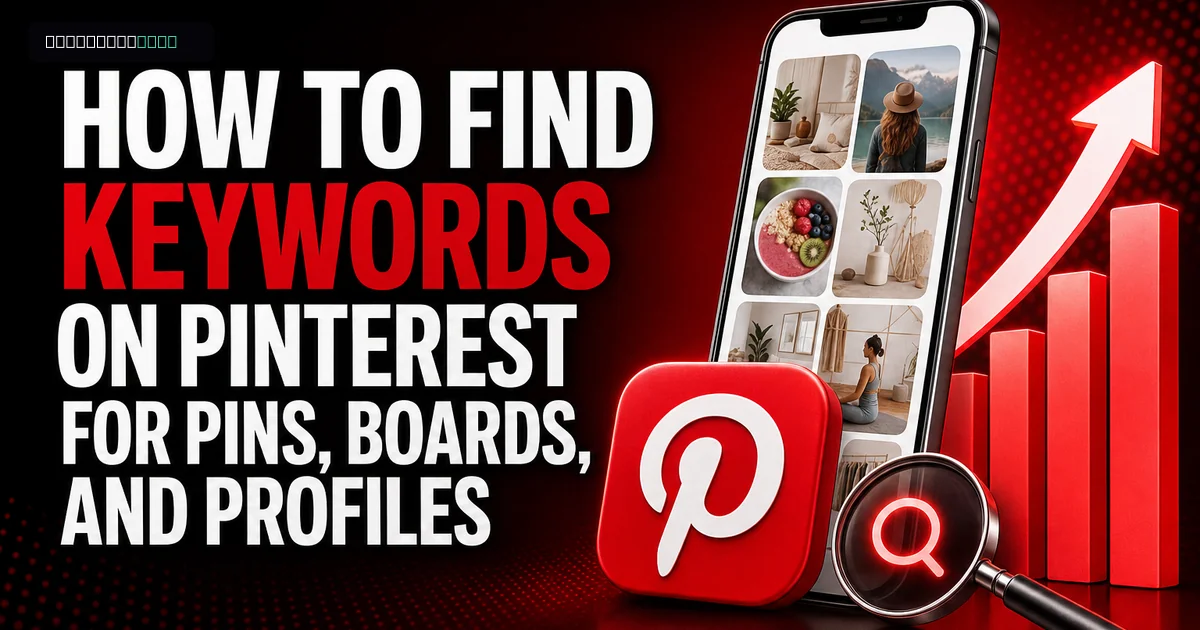
Learning how to find keywords on Pinterest starts with understanding that Pinterest works more like a visual search engine than a chronological social feed. A Pinterest keyword is a word or phrase that describes what a user wants to find, such as “small balcony garden ideas” or “beginner sourdough recipe.”
Pinterest uses signals from pin titles, descriptions, boards, profiles, images, and destination pages to categorize content. Keywords give those signals a clear subject. They don’t guarantee distribution, though. A poorly designed pin with an accurate keyword can still lose to a clearer, more useful result.
The practical goal is to find phrases that match your content and the searcher’s intent. Then you place each phrase where it helps Pinterest and readers understand the pin. Stuffing the same wording into every field is outdated, awkward, and unnecessary.
How to find keywords on Pinterest using free tools
Pinterest keyword research starts with Pinterest Search, Pinterest Trends, and the language already appearing in relevant results.
Begin with Pinterest’s search bar. Enter a broad seed term without finishing the query. If you type “wedding photography,” Pinterest may suggest narrower searches based on active user behavior. Record suggestions that genuinely fit content you can publish. Don’t adopt a phrase merely because the platform displays it.
Repeat the search with useful modifiers. Add an audience, format, problem, season, room, skill level, or desired result. A food creator could expand “meal prep” into phrases such as “meal prep for beginners,” “high protein meal prep,” or “meal prep lunch ideas.” Each phrase points to a different content promise.
Search suggestions can vary by location, language, season, and prior activity. Use a private browsing window or a separate research account if you want to reduce personalization. The results still won’t represent a universal ranking, but they can expose wording you missed.
Pinterest Trends adds another layer. The tool shows interest patterns for supported searches and can surface related topics. Use it to distinguish an evergreen phrase from a seasonal spike. For example, a holiday craft query may climb sharply before the event and then fade, while “easy crochet patterns” can support content across a longer publishing window.
Competitor research helps with vocabulary, not copying. Search your target phrase and inspect the strongest results. Note repeated title structures, specific problems, visible text, board names, and content formats. If most results are broad list posts, a focused tutorial may offer a better answer.
- Search autocomplete: Collect phrases Pinterest suggests after a relevant seed term.
- Pinterest Trends: Compare timing, related topics, and recurring seasonal interest where the tool is available.
- Search results: Study the wording and formats Pinterest currently associates with the query.
- Pinterest Ads tools: If your account has access, campaign keyword suggestions can provide more phrase ideas without requiring you to publish the campaign.
- Your own analytics: Look for existing pins that already earn search impressions, saves, or outbound clicks.
How do you choose the right Pinterest keywords?
A useful Pinterest keyword matches the content, signals a clear search intent, and is specific enough to guide the pin’s message.
Broad keywords and long-tail keywords play different roles. A broad phrase such as “home decor” describes a large category. A long-tail phrase such as “renter-friendly bedroom wall decor” identifies the room, audience, and limitation. Broad terms can organize your account, while long-tail phrases usually make better targets for individual pins.
Search intent is the reason behind a query. Someone searching “capsule wardrobe checklist” probably wants a usable list or template. A pin that leads to a generic fashion homepage fails that intent, even if the page mentions capsule wardrobes. Pinterest users notice the mismatch, and weak engagement gives the pin little reason to keep circulating.
Build a simple keyword sheet with columns for the phrase, topic cluster, likely intent, season, content URL, and pin status. Group close variants under one subject instead of treating every wording change as a separate strategy. “Budget kitchen makeover” and “kitchen makeover on a budget” can support the same page if the page answers both naturally.
I’d prioritize relevance over apparent popularity. Pinterest doesn’t provide a dependable public search-volume number for every phrase, so creators often mistake autocomplete placement for exact demand. Autocomplete proves that Pinterest recognizes the query. It doesn’t tell you how many clicks your pin will receive.
Reject a keyword if you can’t make the destination satisfy it. A photographer who serves only Chicago shouldn’t target “Los Angeles wedding photographer” to collect impressions. Those visitors won’t become clients, and the misleading wording weakens trust.
- Primary phrase: Choose one specific search idea that the pin and destination answer directly.
- Supporting phrases: Add two or three closely related terms that clarify style, audience, format, or problem.
- Board topic: Use a broader category that can contain many related pins over time.
- Brand terms: Keep business and product names where recognition matters, but don’t use them as substitutes for descriptive keywords.
Where should you put keywords in Pinterest pins?
Pinterest pins should place the primary keyword in the title and use related language in the description, creative, board choice, and destination page.
Write the pin title for a person scanning a crowded results page. Put the main idea near the beginning, then add a useful qualifier. “Small Balcony Garden Ideas for Renters” is clearer than “You’ll Love These Amazing Ideas.” The first title identifies the space, topic, and audience before the reader opens the pin.
The description should explain what the user will get after clicking. Use complete sentences. A strong description might say: “These small balcony garden ideas show renters how to choose containers, arrange herbs, and protect floors without permanent fixtures.” The wording includes related concepts without repeating one phrase five times.
Visible text on the image should make the promise easy to recognize. Keep it short enough to read on a phone. Search relevance won’t rescue a pin whose overlay is tiny, obstructed, or disconnected from the landing page.
Choose the most relevant board rather than the largest board on your account. A pin about a compact herb shelf belongs on “Small-Space Gardening,” not a vague board called “Things I Like.” Board context helps Pinterest categorize the pin and sets an accurate expectation for followers.
The destination page must continue the same subject. Match the article headline, product category, recipe, or service page to the pin’s promise. If a pin says “free wedding budget spreadsheet,” the click shouldn’t open a paid course page with no visible spreadsheet.
Use alt text to describe the image for people using screen readers. Don’t turn alt text into a hidden keyword list. “Three herb pots arranged on a wooden balcony shelf” is useful. “Balcony ideas garden ideas apartment garden small garden” isn’t.
- Pin title: Use the primary phrase once where it reads naturally.
- Pin description: Explain the benefit and include close supporting terms in normal sentences.
- Text overlay: State the idea in language a mobile user can understand quickly.
- Relevant board: Save the pin to the board with the closest topical match.
- Destination page: Keep the headline and content aligned with the search promise.
- Alt text: Describe the visual accurately rather than stuffing search phrases.
How should you use keywords in Pinterest boards?
Pinterest board keywords should define one recognizable topic through a clear board name, a focused description, and closely related pins.
Name boards after subjects people understand immediately. “Easy Vegetarian Dinners” communicates more than “Food Inspiration.” A creator can still keep personal or experimental boards, but public business boards should make their purpose obvious without relying on private context.
Write a short board description that sets boundaries. For an “Easy Vegetarian Dinners” board, mention the types of content users will find, such as weeknight recipes, one-pot meals, or family dinners. Don’t paste a row of near-identical keywords. Pinterest can understand related wording inside a normal explanation.
Board quality depends on consistency. If half the pins cover vegetarian dinners and the other half cover bathroom renovations, the board sends mixed signals. Create a second board rather than forcing unrelated material into a broad collection.
Avoid renaming an established board every week to chase trends. Frequent shifts confuse followers and make your publishing plan harder to manage. Rename a board when the existing title is genuinely vague or when the board’s content has permanently changed.
Broad boards and niche boards can work together. A travel publisher might maintain “Italy Travel” as a broad collection and “Rome Weekend Itineraries” as a focused board. The broad board supports account structure. The niche board gives highly specific pins a tighter context.
Where do keywords belong in your Pinterest profile?
Pinterest profile keywords belong in the display name and bio where they explain the account’s subject, audience, or service.
Keep the username recognizable and stable when possible. Your username supports brand recall and forms part of your profile identity, so replacing a known business name with a generic keyword string is usually a poor trade. Use the display name to add context instead. “Northline Studio | Wedding Photography” tells users what the brand does without hiding the brand.
The bio should explain who you help and what you publish. A useful version could read: “Small-space gardening guides for apartment renters, including container planting, balcony layouts, and beginner herb care.” That sentence covers several related searches while still sounding human.
Profile keywords should reflect the account as a whole. Don’t add “wedding planning” because one old post touched the subject if the rest of the account sells fitness coaching. Account-level relevance grows from repeated topical consistency across your profile, boards, pins, and linked site.
Your profile also needs credibility signals that keywords can’t supply. Use a recognizable image, a clear business name, an accurate website, and current descriptions. Search visibility may earn the profile visit, but trust determines whether the visitor follows or clicks.
Follower totals shouldn’t dictate keyword choices. A small Pinterest account can target specific searches, but genuine saves, clicks, and active-account engagement give you better feedback than empty numbers. Fake activity can’t tell you which topic solved a reader’s problem.
How do you measure and improve a Pinterest keyword strategy?
Pinterest keyword performance should be judged through impressions, saves, outbound clicks, and the actions users take after reaching your site.
Start with Pinterest Analytics for business accounts. Compare pins covering the same topic rather than comparing unrelated categories. A recipe pin and a high-priced service pin have different user journeys, so raw impression totals won’t tell you which one supports the business better.
Impressions show that Pinterest distributed the pin. Saves suggest future value or inspiration. Outbound clicks show that the creative and wording persuaded someone to leave Pinterest. Your website analytics then reveal whether those visitors read, subscribed, requested a quote, or purchased.
Review results on a consistent monthly schedule, but don’t impose one fixed deadline on every pin. Pinterest content can continue appearing after publication, and seasonal timing can delay meaningful demand. A Christmas planning pin published after the holiday shouldn’t be declared a keyword failure before the next relevant cycle.
Test one meaningful variable at a time. Keep the destination and keyword target consistent while changing the title angle, image, or text overlay. If you change every element together, you won’t know what improved the result.
Create fresh designs when a page deserves another chance, but don’t flood boards with barely changed duplicates. Three distinct pins aimed at different valid angles are more useful than 20 copies with swapped background colors. For a guide to home office lighting, the angles could focus on small rooms, video calls, or desk glare.
Use winners to plan clusters. If “beginner balcony herb garden” earns qualified traffic, publish connected content about pot size, shade-tolerant herbs, watering, and renter-safe shelves. That cluster gives readers more complete help and gives Pinterest several accurate routes into the same subject.
If you want to grow faster, you can grow your pinterest followers from a real, active-account service and build momentum while you keep posting. For a deeper dive, read our guide on Where to Find Your Twitch Stream Key (and Keep It Safe) in 2026.
For a deeper dive, read our guide on Pinterest vs Instagram: Which is Best for Your Brand in 2026?.
For a deeper dive, read our guide on Pinterest vs Instagram: Which is Best for Your Brand in 2026?.
For a deeper dive, read our guide on Pinterest vs Instagram: Which is Best for Your Brand in 2026?.
For a deeper dive, read our guide on Pinterest vs Instagram: Which is Best for Your Brand in 2026?.
For a deeper dive, read our guide on Pinterest vs Instagram: Which is Best for Your Brand in 2026?.
For a deeper dive, read our guide on Pinterest vs Instagram: Which is Best for Your Brand in 2026?.
For a deeper dive, read our guide on Pinterest vs Instagram: Which is Best for Your Brand in 2026?.
For a deeper dive, read our guide on Pinterest vs Instagram: Which is Best for Your Brand in 2026?.
For a deeper dive, read our guide on Pinterest vs Instagram: Which is Best for Your Brand in 2026?.
For a deeper dive, read our guide on Pinterest vs Instagram: Which is Best for Your Brand in 2026?.
- Check distribution: Identify which pins and boards receive relevant impressions.
- Check response: Compare saves and outbound clicks across pins targeting similar intent.
- Check business value: Track sign-ups, product views, inquiries, or sales on the destination site.
- Revise weak packaging: Test a clearer title, stronger visual hierarchy, or more specific promise.
- Expand proven topics: Build related pages and pins around queries that attract the right users.
Frequently asked questions
Read next: How to Get Followers on Pinterest: 2026 Growth Guide. For more, browse our Pinterest guides or all posts by Editorial Staff.