For bloggers, Pinterest is less a social network and more a search engine that quietly sends readers to your site for months after you publish. Unlike a feed post that fades in hours, a well-made pin can keep surfacing in search and recommendations long after you create it, which makes Pinterest one of the more durable traffic sources a blog can build. If you want to use Pinterest to drive blog traffic in 2026, the approach is methodical rather than viral.
The core idea is simple: create pins that link to your posts, make them easy to discover with the right keywords, and publish consistently enough that Pinterest learns what your content is about. This guide covers how to set up your account, design pins that earn clicks, match pins to search intent, and measure what is actually working so you can do more of it.
Lay the Groundwork With a Business Account
Start with a free Pinterest business account and verify your blog's domain. Verification unlocks analytics for your linked site and enables Rich Pins, which automatically pull your post title and details onto the pin for a cleaner, more trustworthy look. This setup is what turns Pinterest from a hobby board into a measurable traffic channel.
Organize your profile around your blog's topics. Create boards that map to your main content categories, give them clear keyword-led names and descriptions, and make sure each board reinforces what your blog is about so Pinterest can route the right searchers to you.
- Use a business account and verify your domain
- Enable Rich Pins so post details appear automatically
- Build boards that mirror your blog categories
- Write keyword-led board names and descriptions
Design Pins That Earn the Click
A pin's only job is to convince someone to visit your post. Vertical 2:3 images with a short, benefit-driven text overlay tend to stand out and get re-saved, and re-saves are what carry your pin to new audiences. Keep the design readable on a small phone screen and consistent with your blog's look so readers recognize you.
Create more than one pin per post. Different images, headlines, and angles let you test what resonates and give a single article several chances to be discovered. Always link the pin to the exact post, not just your homepage, so the click lands where the value is.
Match Pins to What People Are Searching
Because Pinterest is search-driven, the words you attach to a pin decide who sees it. Use the Pinterest search bar and the guided search suggestions to find the phrases people actually type, then work them naturally into your pin titles, descriptions, and the board you save to.
Write for intent, not just keywords. If someone searches a how-to phrase, the pin and the post behind it should clearly deliver that how-to. Matching the promise of the pin to the content of the post keeps people on your page longer, which is better for both readers and your blog's performance.
- Mine the Pinterest search bar for real phrases
- Place keywords in pin titles, descriptions, and boards
- Match the pin's promise to the post's content
- Avoid keyword stuffing: keep descriptions readable
Stay Consistent and Track What Works
A steady cadence usually outperforms occasional bursts. Publishing a handful of fresh pins each week signals to Pinterest that your account is active and gives your blog continuous new entry points. A scheduler can help you keep that rhythm without pinning everything in one sitting.
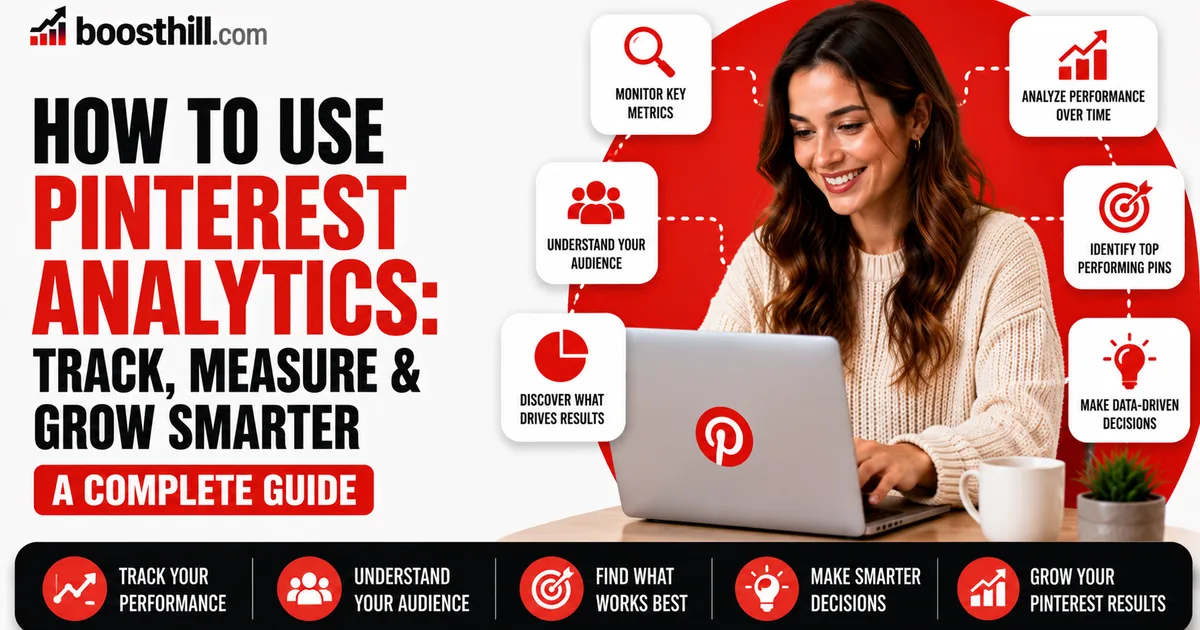
Use your analytics to learn rather than guess. Watch which pins drive outbound clicks and saves, then make more pins in that style and for those topics. Pinterest can take weeks or months to gain momentum, so judge results over time and resist any tactic that promises instant traffic.
Where a Follower Boost Fits for Bloggers
Most of your Pinterest blog traffic comes from search and re-saves, not from your follower count, so followers are not the main lever here. What a healthy follower number can do is make your profile look more established to a first-time visitor or a potential collaborator who lands on it.
If you want that social-proof head-start, BoostHill delivers Pinterest followers from real, active accounts using only your public profile link, with no password required and a refill guarantee. It will not generate clicks or rankings on its own. Pair it with consistent pinning and strong posts, which are what actually move traffic.
Frequently asked questions
Read next: How to Optimize Idea Pins for Maximum Engagement. For more, browse our Pinterest guides or all posts by Lyra Wilson.