The YouTube Community Tab is a powerful tool for creators looking to enhance audience interaction and channel growth. By leveraging YouTube Community Tab engagement tips effectively, you can create a vibrant community around your content, leading to increased viewer loyalty and engagement.
Understanding the YouTube Community Tab
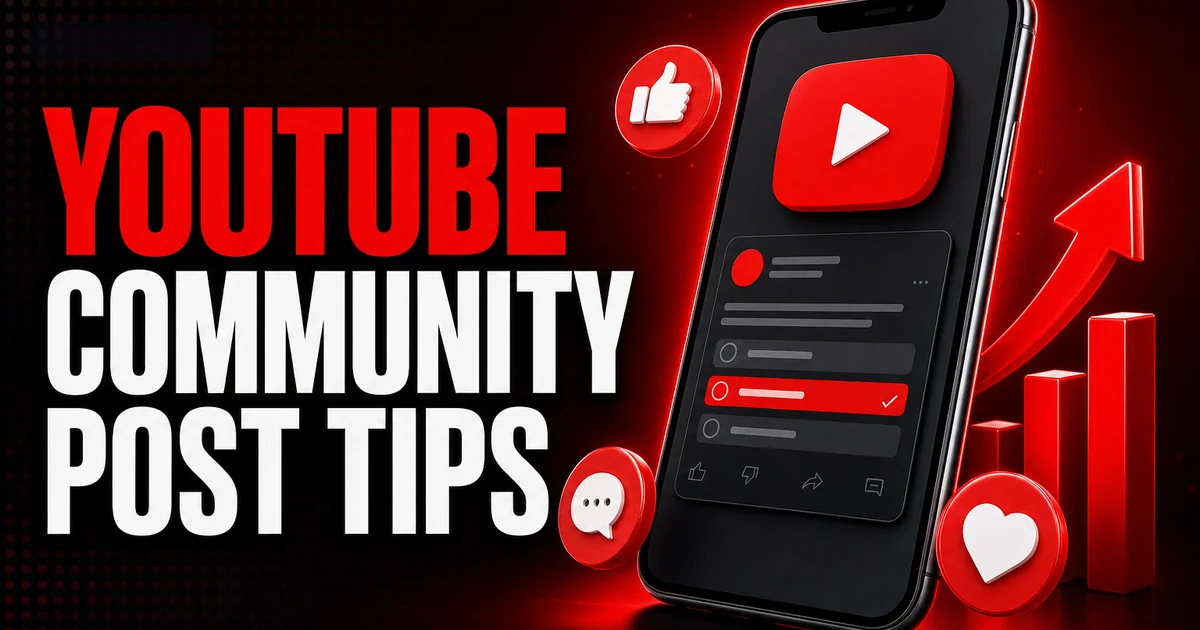
The YouTube Community Tab serves as a space where creators can interact with their subscribers outside of video content. It's akin to a social media feed integrated within YouTube, offering a platform for text updates, polls, images, and gifs. Unlike other platform tools, it provides a unique way to keep your audience engaged, especially if you’re not uploading videos regularly.
To access the Community Tab, your channel needs at least 500 subscribers. Once unlocked, it appears as a tab on your channel page, allowing you to post and interact with your community more intimately.
Creating Engaging Community Posts
To maximize the effectiveness of your Community Tab, it's essential to create content that resonates with your audience. Begin by identifying the type of content that your subscribers engage with the most. Is it behind-the-scenes photos, teasers for upcoming videos, or polls? Use these insights to tailor your posts.
Incorporating media, such as images or gifs, can make your posts more appealing. These elements break up the monotony of text and are particularly effective in grabbing attention and encouraging interaction.
- Use high-quality, relevant images or gifs.
- Polls are a great way to engage and gauge audience opinions.
- Timing your posts for when your audience is most active can increase visibility.
Leveraging Polls for Interaction
Polls are among the most effective ways to boost engagement on the YouTube Community Tab. They invite quick responses and can be used strategically to gather viewer insights or simply to encourage fun interactions.
Consider using polls to ask about content preferences, gather feedback, or even make decisions about upcoming content. This type of interaction not only increases engagement rates but also makes your audience feel valued and heard, fostering a sense of community.
- Use clear and concise questions.
- Limit the number of options to encourage decisive responses.
- Engage back with follow-up posts based on poll results.
Integrating YouTube with Other Platforms
Your community on YouTube doesn't exist in isolation. Many followers are likely engaging with your content on various platforms. Integrating your YouTube Community Tab efforts with platforms like Instagram or TikTok can significantly enhance your reach.
Cross-promotion can be done by sharing snippets of content tailored for each platform. Encourage followers from these sites to check out your YouTube Community posts for complete updates and interactive content.
- Link your YouTube community posts in Instagram stories.
- Share poll results or interactions on TikTok to create a loop back to your channel.
- Maintain consistent branding and messaging across platforms.
Measuring the Success of Community Engagement
Tracking the performance of your Community Tab posts is crucial for understanding what resonates with your audience. Monitor metrics such as likes, comments, and shares to gauge engagement.
Adjust your strategy based on this feedback. If polls see higher interaction, consider incorporating them more frequently into your content schedule. Likewise, learn from posts that don’t perform well and adjust your approach accordingly.
- Use YouTube Analytics to monitor post engagement metrics.
- Experiment with different post times and formats.
- Engage with feedback and adapt to audience preferences.
Advanced Strategies for Community Growth
For sustained growth and engagement, consider implementing advanced strategies like collaborations with other creators. These can expose your channel to new audiences and provide unique content for your community.
Regularly updating your content strategy with new techniques or trends seen across platforms is also essential. This not only keeps your content fresh but also positions your channel as a dynamic community hub.
If you want to grow faster, you can buy youtube subscribers from a real, active-account service and build momentum while you keep posting. For a deeper dive, read our guide on YouTube Channel Ideas for Beginners: 2026 Edition.
- Engage in collaborations that align with your channel's niche.
- Stay updated with trends and incorporate relevant ones into your posts.
- Create series or recurring events to build anticipation.
Frequently asked questions
Read next: YouTube Handles Explained: How to Choose and Change Yours in 2026. For more, browse our YouTube guides or all posts by Eliza Rose.