If you have spent any time on YouTube lately, you have seen handles everywhere: the short @name that sits under videos, on channel pages, in Shorts, and in the search bar. A handle is your channel's unique, lowercase username, and it has become the main way people find, mention, and link to a channel. Getting yours right makes you easier to discover and easier to share, which is why it is worth a little thought rather than whatever was auto-assigned when you signed up.
This guide explains what a YouTube handle actually is, how it differs from your channel name, and how to choose one that fits your brand. We will also walk through changing your handle step by step, cover the rules YouTube enforces, and look at where social proof fits in once people start landing on your channel.
What a YouTube handle is (and how it differs from your channel name)
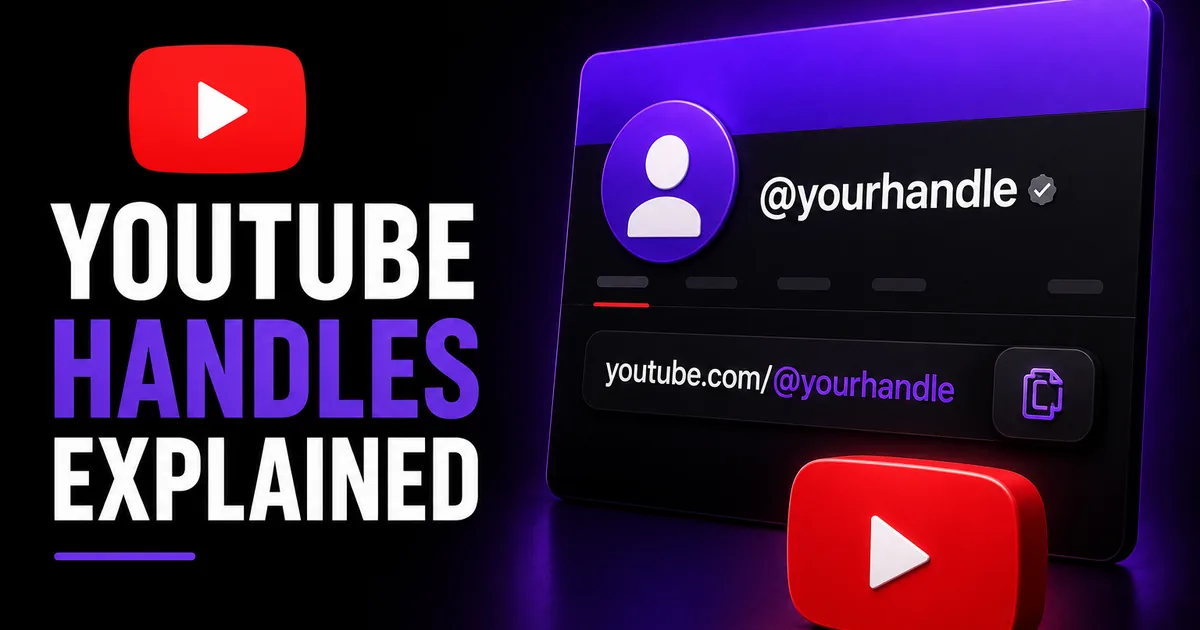
A YouTube handle is the unique @username tied to your channel, such as @yourbrand. It is always lowercase, has no spaces, and no two channels can share the same one. Because it is unique, your handle doubles as a clean, shareable link: youtube.com/@yourbrand points straight to you. Handles show up under your videos, on your channel page, in comments, in Shorts, and when people mention you.
Your channel name is different. It is the display name people read, it can include spaces and capital letters, and it does not have to be unique. You might be "Backcountry Coffee Co." as a channel name while your handle is @backcountrycoffee. Think of the name as your branding and the handle as your address: one is how you look, the other is how people reach and tag you.
Both can be changed, and changing one does not force the other to match. That flexibility is useful, but it also means a sloppy handle can stick around long after your channel name looks polished, so it is worth aligning them.
- Handle: unique, lowercase @username used for links and mentions
- Channel name: your display name, can repeat across channels
- Handle appears in your URL (youtube.com/@yourhandle)
- You can change each independently
How to choose a handle that works
A good handle is short, memorable, and clearly tied to your brand. The strongest choice is usually your brand or creator name with nothing extra: @yourbrand beats @yourbrand_official_yt every time. The goal is something a viewer can hear once, type without thinking, and recognize across platforms.
Consistency across networks helps people find you. If you can match your handle to your Instagram, TikTok, or X username, do it, since a single recognizable handle makes cross-promotion far simpler. Avoid stuffing in numbers, underscores, or filler words unless your exact name is taken and you have no cleaner alternative.
- Keep it short and easy to spell out loud
- Match your channel name and other social handles when you can
- Skip random numbers, underscores, and filler like "official" or "tv"
- Check that it reads cleanly in a URL: youtube.com/@yourhandle
- Make sure it still fits if your content grows beyond one narrow topic
How to change your YouTube handle, step by step
Changing your handle takes about a minute. YouTube lets you update it from your account settings or directly in YouTube Studio, and the new handle takes effect right away once it is available. If the handle you want is already in use, you will need to pick a different one, since handles are unique.
Here is the typical flow. Interfaces shift over time, so the exact labels may differ slightly, but the path is consistent.
- Sign in and open YouTube Studio, then go to Customization, then Basic info
- Find the Handle field (the @ section) and type your new handle
- If it shows as available, save your changes
- Alternatively, open Settings, then Channel, and edit the handle there
- Confirm your new link works by visiting youtube.com/@yournewhandle
Handle rules and what changing it affects
YouTube enforces a few rules on handles. They are generally 3 to 30 characters, can use letters, numbers, underscores, hyphens, and periods, and cannot look like a URL or phone number. They also have to follow YouTube's community guidelines, so impersonation or misleading handles are not allowed. These specifics can change over time, so treat them as a current guide rather than a permanent rulebook.
When you change your handle, your old @link stops pointing to you and the new one takes over. Any place you previously shared the old handle, such as a bio, a video description, or a business card, will need updating. YouTube does limit how often you can change a handle within a set window, so it is best to settle on one you are happy to keep.
Your subscriber count, videos, and watch history are not affected by a handle change. You are only updating the username, not resetting the channel.
Pairing a strong handle with credible social proof
A clean handle makes your channel easier to find and share, but the moment a new viewer arrives, they form a quick impression from what they see: your name, your handle, and your subscriber count. A channel that looks established is more likely to earn that next subscribe than one that looks brand new, even when the content is identical.
That is where a subscriber boost can play a supporting role. BoostHill delivers YouTube subscribers from real, active accounts using only your public channel link, with no password required and a refill guarantee. It will not guarantee views, watch time, or monetization, and it is not a substitute for consistent uploads, but it can strengthen the social proof a polished handle leads people to.
Frequently asked questions
Read next: YouTube SEO: A Complete Guide to Getting Discovered. For more, browse our YouTube guides or all posts by Eliza Rose.