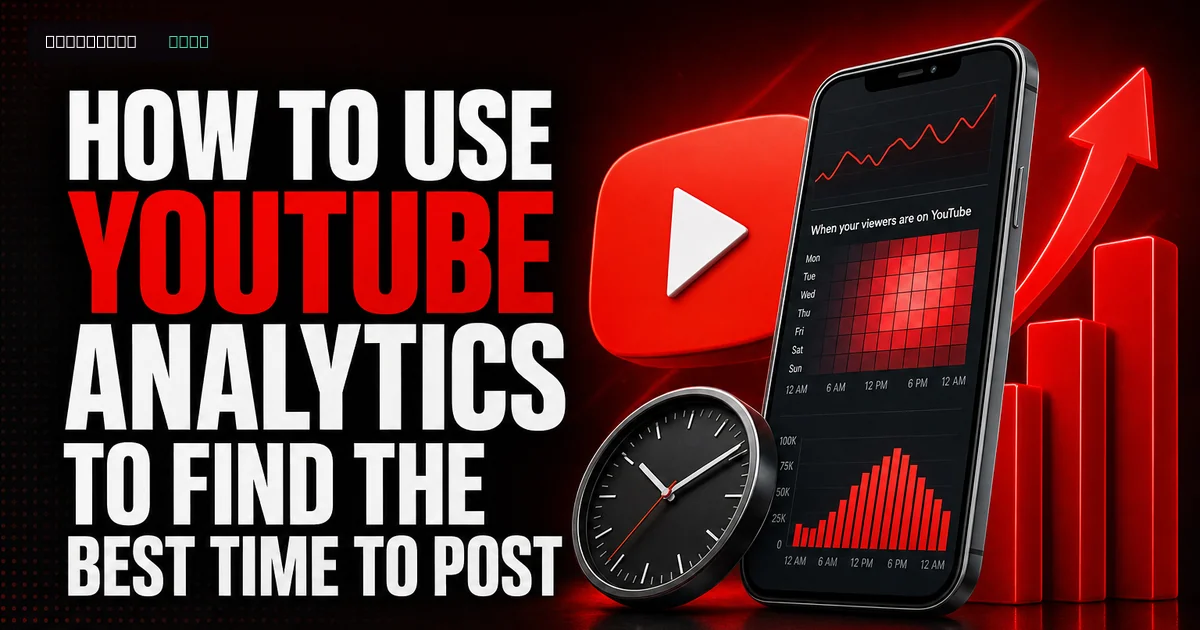
Finding the best time to post on YouTube using analytics can significantly improve your video’s visibility and engagement. There’s no one-size-fits-all answer; YouTube’s analytics tools let you shape a strategy around your audience’s viewing habits.
Understanding YouTube Analytics
YouTube Analytics gives creators detailed data on channel performance. Viewer behavior, watch times, and demographics can guide informed decisions about when to publish new content.
Average view duration, audience retention, and real-time activity are the key metrics to monitor. Together, they show when your audience is most active and engaged, helping you pinpoint the best posting times.
- Open YouTube Studio to access your analytics.
- Use real-time analytics to identify active periods.
- Study audience demographics and tailor your content accordingly.
Identifying Peak Viewing Times
Peak viewing times are the periods when your videos are most likely to receive the most views. Spikes in viewer activity reveal these windows, but you’ll need to compare data across different days and weeks to identify them.
Local and global time zones matter, especially for an international audience. Account for those differences to fine-tune your posting schedule around your viewers.
- Check historical data for recurring viewing patterns.
- Factor in seasonal trends and special events.
- Compare time zones when planning for a global audience.
Adjusting Your Content Strategy
Analytics insights let you align your content strategy with your audience’s viewing habits. You may need to change posting times or test different content formats.
Consistent posting at optimal times builds anticipation and viewing habits. That regularity can improve retention and engagement.
- Test different posting days and times.
- Track the results, then refine your strategy regularly.
- Balance timely content with planned posts.
The Role of Engagement in Growth
Comments, likes, and shares play a vital role in growing your YouTube channel. These engagement signals tell YouTube’s algorithm that viewers value your content, which may increase its visibility.
Ask viewers to interact through direct calls-to-action. Engaging, high-quality videos that resonate with your audience can also prompt more interaction.
- Add calls-to-action to your videos.
- Publish interactive content that encourages discussion.
- Reply to comments and build community trust.
Practical Tips for Using YouTube Analytics
Specific channel goals help you get more value from YouTube Analytics. Set a target such as increasing view counts, boosting watch time, or growing your subscriber base, then use the data to measure progress and refine your approach.
Review your analytics regularly so you can catch changes in viewer behavior. Staying flexible and adapting your approach helps maintain growth as platforms and audience preferences evolve.
To grow faster, you can buy youtube views from a real, active-account service and build momentum while you continue posting. For more detail, read our guide on Tips to Make YouTube Collaborations Easier in 2026.
For a deeper dive, read our guide on How to Increase Super Chat Earnings on YouTube.
- Set clear, measurable goals for your channel.
- Keep up with YouTube’s algorithm updates.
- Use A/B testing to compare posting times.
Frequently asked questions
Read next: How to Duet and Collab on YouTube Shorts in 2026. For more, browse our YouTube guides or all posts by Jessica Adler.