Featuring other channels on your YouTube channel is a quiet but effective way to support creators you respect, organize your channel page, and build the kind of relationships that lead to bigger collaborations. When a visitor scrolls to the bottom of your channel page, a tidy list of featured channels tells them what you are about and who you stand with, all without saying a word.
This guide explains what featured channels are, how to add and arrange them in YouTube Studio, and how to use the feature for genuine cross-promotion. We will also cover the etiquette of featuring others, what realistic results look like, and how social proof affects whether those referrals actually convert into subscribers.
What featured channels are
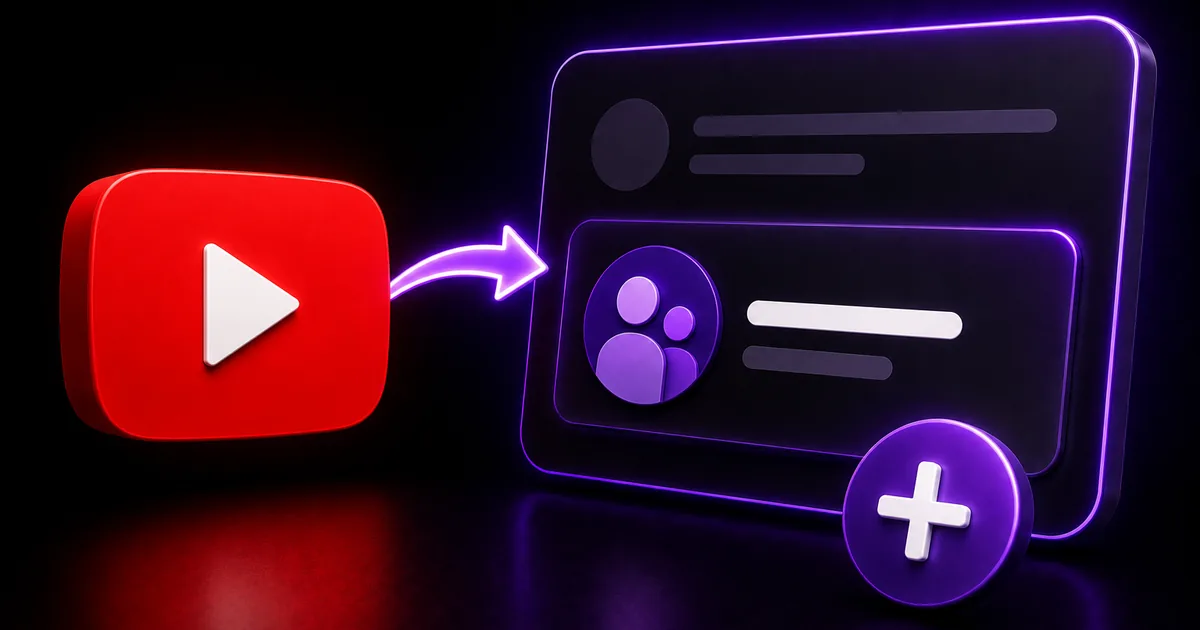
Featured channels are a section on your channel page where you can showcase other YouTube channels. They usually appear toward the bottom of your channel's home tab, presented as a row or list of channels you have chosen to highlight. Visitors can click straight through to those channels, which makes the section a simple referral tool.
Creators use featured channels for a few reasons: to spotlight collaborators, to point fans toward a second channel they run, or to group together creators in the same niche. Because the section sits on your channel page rather than inside any single video, it works as a steady, always-on recommendation rather than a one-time shout-out. Layout and naming can shift as YouTube updates Studio, so the exact labels may differ from what you see.
- A section on your channel page that highlights other channels
- Usually appears near the bottom of your home tab
- Lets visitors click through to the channels you choose
- Great for collaborators, a second channel, or a niche cluster
How to add featured channels in YouTube Studio
You add featured channels through the customization area of YouTube Studio, where you manage how your channel page looks. The process is straightforward: you create or edit a section and choose the channels you want to display. The steps below reflect the typical path, though Studio's menus change from time to time.
You can feature several channels and reorder them, and you can remove or update the list whenever you like. Treat it as a living section that reflects who you are currently working with or recommending.
- Open YouTube Studio and go to Customization, then Layout
- Scroll to the sections area and add or edit a channel section
- Choose Featured channels and search for the channels to add
- Reorder them so the most relevant appear first
- Save your changes and view your channel page to confirm
Using featured channels for real cross-promotion
The feature works best when it is part of a two-way relationship. If you feature a collaborator and they feature you in return, both channels send interested viewers toward each other, which is far more valuable than a one-sided list. Reach out, agree to feature one another, and you create a small loop of cross-promotion that benefits everyone involved.
Be selective about who you feature. A focused list of channels in a related niche sends a clearer signal than a long, random collection. Visitors who like your content are more likely to enjoy channels that share your topic or tone, so quality and relevance beat quantity here.
- Arrange mutual features with collaborators for two-way traffic
- Keep the list relevant to your niche and audience
- Refresh it as your collaborations change
- Pair it with shout-outs in videos or community posts for more impact
Etiquette, expectations, and converting referrals
A little etiquette goes a long way. Ask before assuming someone wants a formal mutual feature, and do not expect a feature in return just because you added someone. Featuring a channel is a genuine recommendation, so feature creators you would actually point a friend toward. Keep expectations realistic, too: featured channels send a trickle of interested visitors over time, not a sudden surge.
When those visitors arrive at a featured channel, the same first-impression rules apply that affect any new viewer. A channel that looks established, with a recognizable handle and a healthy subscriber count, is more likely to convert a curious click into a subscribe. BoostHill can support that social proof by delivering YouTube subscribers from real, active accounts using only your public channel link, with no password required and a refill guarantee. It does not guarantee views or monetization, but it can help the credibility that cross-promotion leads people to.
Frequently asked questions
Read next: How to Get 1,000 Subscribers on YouTube: A 90-Day Plan. For more, browse our YouTube guides or all posts by Eliza Rose.