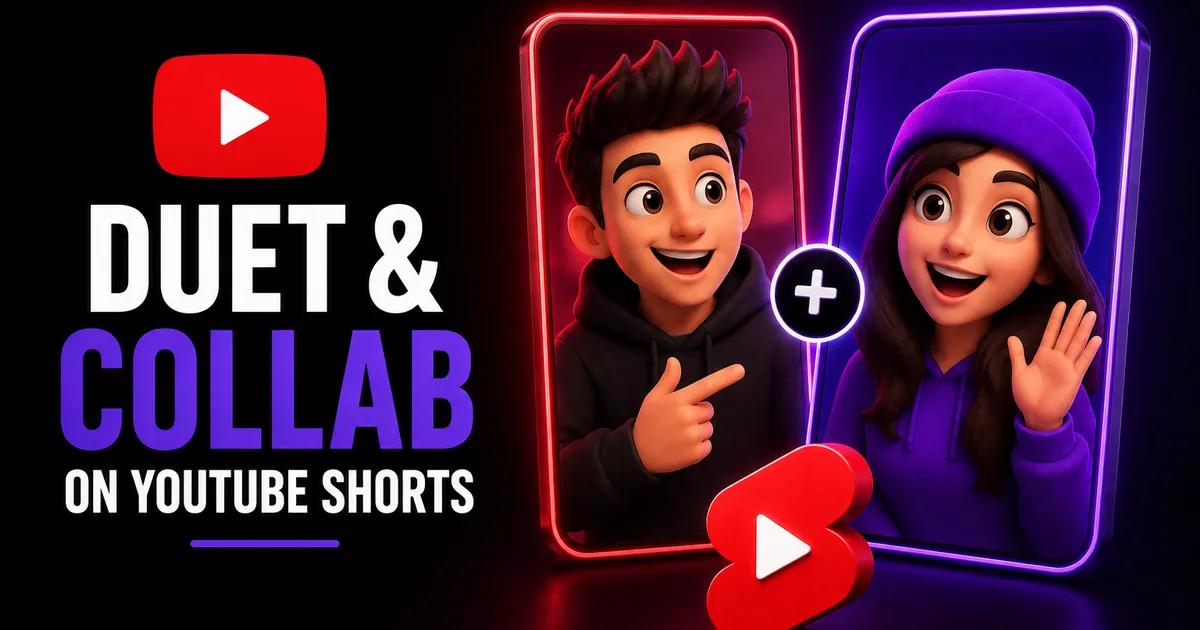
Dueting on YouTube Shorts is one of the easiest ways to ride the momentum of content that is already working. By placing your reaction, response, or remix side by side with another creator's Short, you tap into a format viewers already understand from short-form video, and you give yourself a natural reason to appear in front of a new audience. It is collaboration without the scheduling, the logistics, or even needing the other creator to know you in advance.
This guide covers how Shorts collaboration tools work, how to create a duet or remix step by step, and how to use the format to actually grow rather than just react. We will also be honest about what these tools can and cannot do for your reach, and where a views boost fits into the picture.
How Shorts collaboration tools work
YouTube offers several ways to build on existing Shorts. The most common is a side-by-side layout, where your camera sits next to the original video so viewers see both at once, which is what most people mean by a duet. There are also remix options that let you pull the audio or a clip from another Short to use in your own. Exact names and layouts change as YouTube updates the app, so treat the labels here as a current snapshot.
These tools only work when the original creator has allowed remixing. Many Shorts permit it by default, but some creators turn it off, and you can control whether your own Shorts can be remixed in your settings. When remixing is allowed, YouTube typically credits and links back to the original video, which is part of what makes the format a genuine two-way opportunity.
- Side-by-side layout places your video next to the original
- Remix options let you reuse audio or a clip from another Short
- The original creator must allow remixing for the option to appear
- YouTube usually links back to the source video
How to create a duet or remix, step by step
Creating a duet is quick once you find a Short you want to build on. The flow below reflects the typical path in the YouTube app. If a label looks different on your version, look for the Remix or share menu, since that is where these options live.
Record in a quiet, well-lit spot and keep your half tight. Because the screen is split, viewers are watching two things at once, so your reaction or addition needs to be clear and easy to follow.
- Open the Short you want to duet and tap the Remix option
- Choose the side-by-side layout (or the audio/clip remix you want)
- Record your part, adjusting timing so it lines up with the original
- Add text, captions, or effects to make your contribution clear
- Review, write a strong title, and publish
Using duets and collabs to actually grow
A duet is most effective when you add something, not just react. Answer a question the original raised, build on a tutorial, offer a contrasting take, or extend a joke. Viewers who enjoyed the first video are far more likely to check out your channel when your half clearly stands on its own.
Choose what you duet with care. Building on a Short that is already gaining traction puts you next to content with momentum, while dueting your own earlier Shorts can tie a series together. Tag or mention the original creator when it makes sense, since genuine engagement is often the start of a real collaboration down the line.
- Add value: respond, expand, or offer a fresh angle
- Duet content that is already getting attention
- Make your half watchable on its own
- Engage the original creator to open the door to future collabs
What duets can and cannot do for reach
Duets and remixes give your Short a better chance of being discovered, but they do not guarantee it. The Shorts feed relies on signals like watch time, replays, and engagement to decide what to show and to whom, and a duet is simply quality content that happens to be linked to another video. A weak duet will not travel just because it is attached to a popular Short.
If you want to support the social proof on a Short you are proud of, a views boost can help it look more established as new viewers arrive. BoostHill delivers YouTube Shorts views using only the public link to your video, with no password required and a refill guarantee. It cannot push a Short onto the feed or guarantee subscribers, since YouTube's systems and your content decide that, but it can strengthen first impressions while your collaboration work does the heavy lifting.
Frequently asked questions
Read next: How to Feature Other Channels on Your YouTube Channel (2026 Guide). For more, browse our YouTube guides or all posts by Eliza Rose.