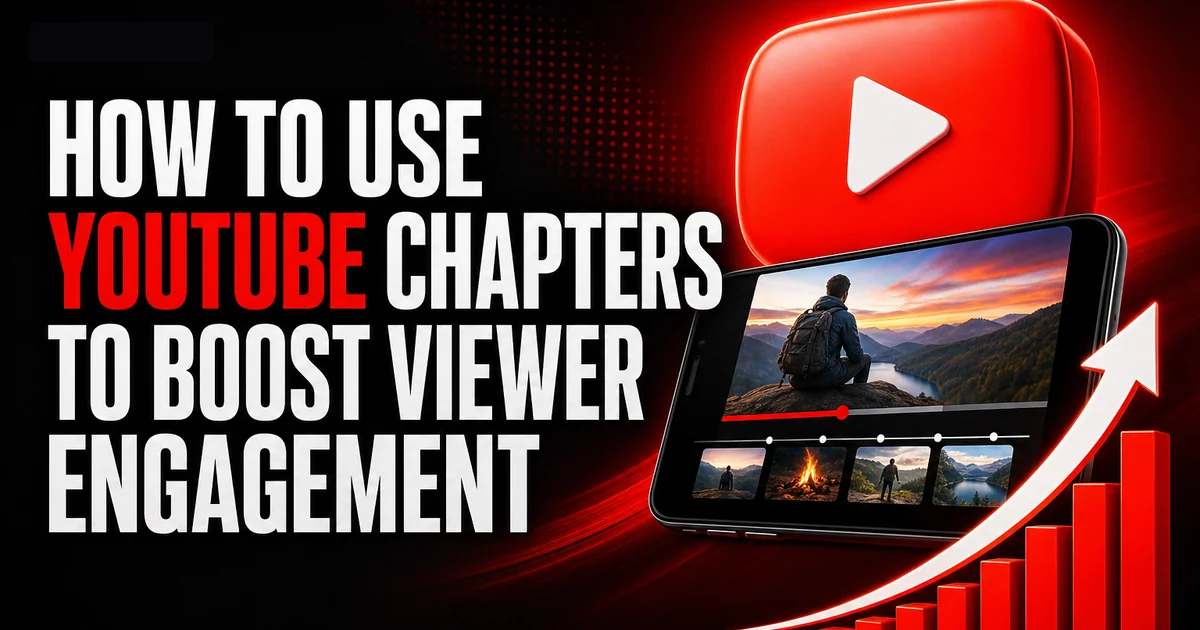
Learning how to use YouTube chapters effectively can significantly boost viewer engagement by providing a seamless viewing experience. By dividing your video content into clear, labeled sections, you guide your audience through your content, making it easier for them to find the exact parts they want to watch.
Understanding the Benefits of YouTube Chapters
YouTube chapters are a powerful tool for creators looking to enhance their video's usability and engagement. They allow viewers to navigate directly to the parts of a video they find most interesting. This feature not only improves user experience but also encourages viewers to explore more of your content as they can quickly jump to sections of interest.
For creators, chapters can mean more precise analytics. You can see which parts of your video retain attention or drive engagement, helping you refine future content strategies. This segmentation can also potentially improve your video's ranking since increased viewer satisfaction often translates into better algorithm favorability.
- Improves video navigation for viewers
- Allows detailed viewer analytics on segment engagement
- Enhances user satisfaction which can boost rankings
How to Setup YouTube Chapters
Setting up YouTube chapters is a straightforward process that begins in the video description box. All you need is to include timestamps for each chapter. These timestamps help YouTube recognize the structure of your video automatically.
To begin, create a list of what each section of your video covers. Ensure your first timestamp starts at 0:00 to mark the introduction of your content. For each subsequent chapter, write the time followed by a description, ensuring clarity and consistency in formatting.
- Start each chapter with a timestamp
- Include a clear description for each timestamp
- Ensure the first timestamp is at 0:00
Best Practices for YouTube Chapters
When creating YouTube chapters, clarity is key. Use descriptive titles that are concise but informative to help users understand the section's content at a glance. This practice not only aids navigation but also optimizes each chapter for searchability within YouTube.
Keeping chapter lengths balanced is crucial too. Ideally, chapters should be evenly distributed throughout the video for uniform interest. Avoid chapters that are too short, as they may disrupt the viewing experience and lead to confusion.
- Use clear, descriptive titles for each chapter
- Ensure balanced distribution of chapter lengths
- Avoid overly short chapters that disrupt flow
Analyzing Engagement with YouTube Chapters
Once your chapters are live, use YouTube Analytics to monitor which sections engage your audience the most. This data can reveal valuable insights into your viewers' interests, helping to tailor future content to maximize engagement.
While chapters themselves provide an intuitive navigation tool, it’s the data behind them that offers potential growth strategies. Analyzing drop-off rates and popular sections equips creators with knowledge on what works and what needs improvement.
- Use YouTube Analytics to monitor viewer engagement
- Identify popular segments to refine content strategy
- Analyze viewer drop-off points for improvement areas
Challenges and Limitations of Using YouTube Chapters
While YouTube chapters are a valuable tool, they come with challenges. Creators should avoid excessive segmentation, which can make videos feel fragmented. It's also important to review chapters regularly against video performance data to ensure continued effectiveness.
The process of adding chapters requires initial planning and time, details that can be overlooked in a push for quick content delivery. However, comprehensive planning pays off significantly by improving viewer satisfaction and video performance.
- Avoid over-segmentation that fragments content
- Continuously review chapters against analytics data
- Plan chapters strategically for maximum effectiveness
YouTube Chapters: A Tool for Better Content Strategy
Incorporating chapters is part of a broader strategy for enhancing content quality on YouTube. They're particularly beneficial for educational, how-to, and long-form content where viewers might want to easily skip to certain topics.
For creators serious about improving video performance and viewer satisfaction, chapters can make content more accessible and encourage longer watch times, which are key considerations for YouTube's algorithm when recommending videos.
If you want to grow faster, you can buy youtube live viewers from a real, active-account service and build momentum while you keep posting. For a deeper dive, read our guide on How to Feature Other Channels on Your YouTube Channel (2026 Guide).
For a deeper dive, read our guide on How to Feature Other Channels on Your YouTube Channel (2026 Guide).
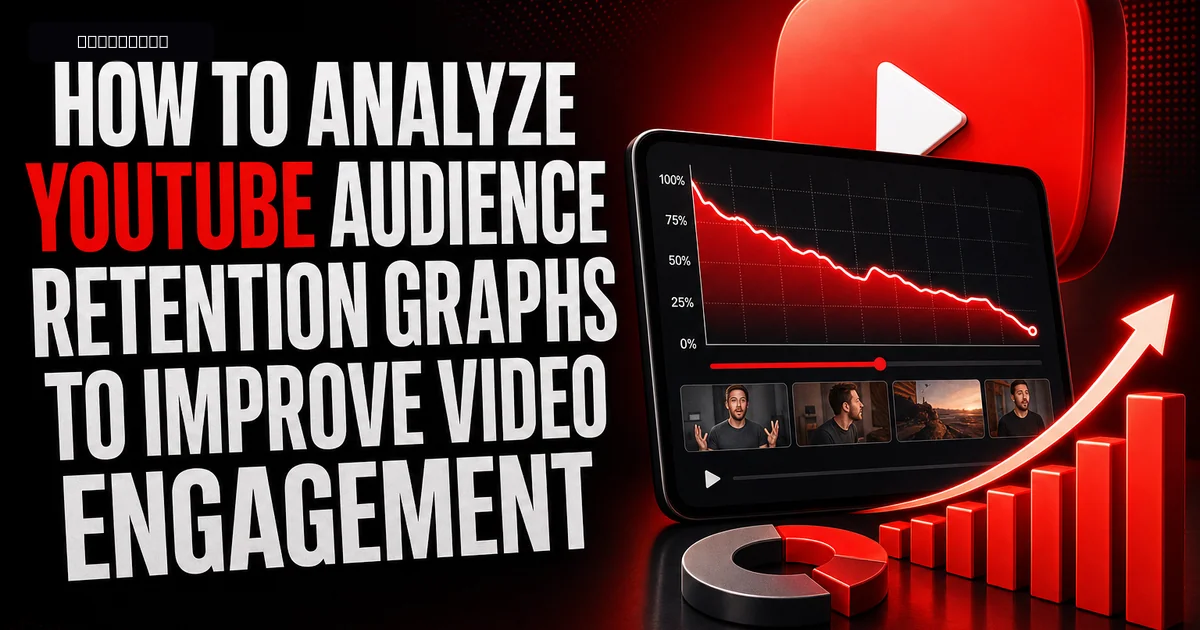
For a deeper dive, read our guide on How to Analyze YouTube Audience Retention Graphs to Improve Video Engagement.
- Enhance content accessibility and satisfaction
- Encourage increased watch times
- Integrate chapters as part of overall content strategy
Frequently asked questions
Read next: How to Increase Super Chat Earnings on YouTube. For more, browse our YouTube guides or all posts by Eliza Rose.