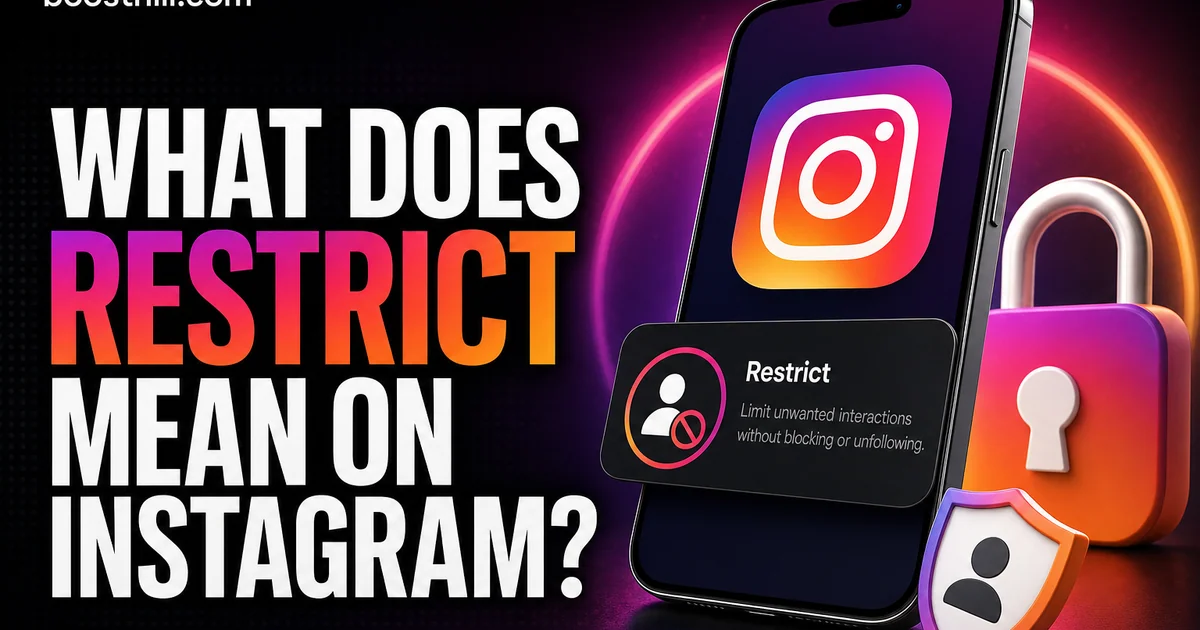
Understanding what restrict means on Instagram can significantly enhance your control over social interactions. This feature, often lauded for its subtlety, allows users to manage unwanted interactions without causing direct confrontation. It's a tool particularly useful for those who experience harassment or simply wish to keep certain interactions at bay.
Instagram introduced the restrict function as part of its ongoing commitment to user safety and mental well-being. The goal was to provide a way to limit contact with certain followers minimally disruptively, offering a middle ground between ignoring and outright blocking a user.
This article delves into how the restrict function works, its benefits and drawbacks, and how you can effectively use it to maintain a healthy digital space. We'll also compare it to the block function and explain how to navigate these privacy settings with ease.
The Basics of Instagram's Restrict Feature
The restrict feature on Instagram is a privacy tool designed to offer greater control over your interactions. When you restrict someone, their comments on your posts are not visible to others unless you approve them. Additionally, restricted users can't see when you're online or when you've read their direct messages.
This tool serves multiple purposes. It allows users to limit exposure to negative comments without escalating a situation by blocking someone outright. Unlike blocking, restricting someone does not sever all ties with the person; instead, it simply filters your interactions with them.
How to Use the Restrict Feature
Restricting someone on Instagram is straightforward. Visit the user's profile whom you wish to restrict, tap on the menu icon (three dots), and select 'Restrict.' Once restricted, the user will face limitations as described.
To restrict using comments, manage the comment section directly. When you see a comment from someone you'd like to restrict, you can choose 'Restrict' from the options that appear when you press and hold the comment. This can help keep harmful or spammy comments invisible to others.
- Profile Method: Go to profile > Tap three dots > Select 'Restrict.'
- Comments Method: Press and hold the comment > Tap 'Restrict' > Confirm.
Benefits of Using the Restrict Feature
One major benefit of the restrict feature is its ability to manage awkward interactions without the repercussions of blocking. It's a less aggressive way to maintain your social peace, especially when dealing with persistent yet non-threatening users.
For influencers and businesses, this feature ensures that community guidelines and content quality remain high without public fallouts. Restricting keeps negative interactions confined, maintaining the professional or brand image.
Restrict vs. Block: Understanding the Difference
While both restrict and block serve to give users control over interactions, they function quite differently. Blocking removes the ability for the blocked person to find your profile, see your posts, or send you messages. It's a definitive action against unwanted followers.
Contrastingly, restriction is a softer approach. It allows some visibility without total access, making it useful for managing less severe interactions discreetly. Knowing the difference is crucial when deciding which tool to use in your social media strategy.
- Block: No profile visibility or communication.
- Restrict: Limited comment and message interaction.
Tips for Effectively Using Restrict
To maximize the effectiveness of the restrict feature, regularly monitor your interactions. Adjust who you restrict based on the evolving nature of your social circles. Use restriction as a temporary measure to manage specific behaviors.
Communicate clearly through your content or in private if necessary, explaining your boundaries. This transparency can preclude the need for further restrictive actions. Regularly refresh your privacy settings and familiarize yourself with Instagram's evolving tools for user protection.
If you want to grow faster, you can buy instagram followers from a real, active-account service and build momentum while you keep posting. For a deeper dive, read our guide on The Best Time to Post on Instagram in 2026 (And How to Find Yours).
For a deeper dive, read our guide on The Best Time to Post on TikTok in 2026 (With Honest Caveats).
For a deeper dive, read our guide on TikTok's New Interactive Ad Formats Expand Opportunities.
For a deeper dive, read our guide on The Rise of Vertical Video on Spotify: What It Means for Artists.
- Regular Checks: Review interactions and adjust restrictions.
- Clear Communication: Set boundaries in bio or direct content.
Frequently asked questions
Read next: What Does SFS Mean on Instagram?. For more, browse our Instagram guides or all posts by Eliza Rose.