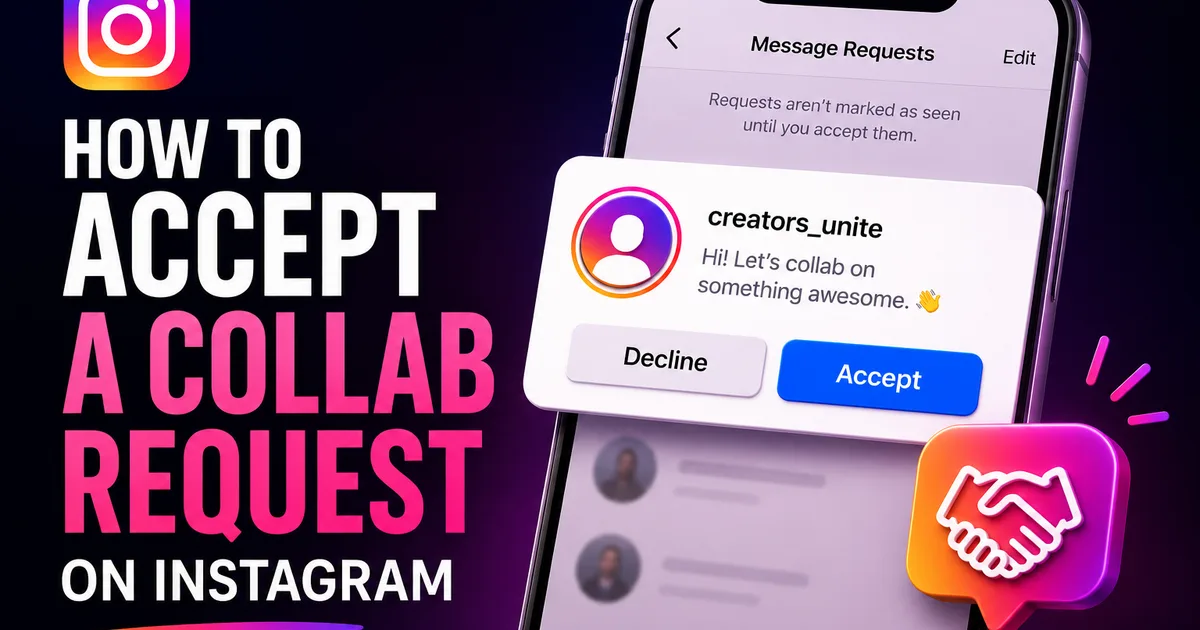
Instagram's Collab feature lets two or more accounts co-author a single post or Reel so it appears on every collaborator's profile and shares one combined set of likes, comments, and views. When someone adds you as a collaborator, the post does not go live on your profile automatically, you have to accept the invite first. This guide shows exactly where to find that request and how to accept it.
It is a quick process once you know where to look, but the notification is easy to miss. Below you will find the step-by-step, a short explainer on how Collab posts behave after you accept, and fixes for the most common reason an invite never shows up.
How Instagram Collab posts work
A Collab post is a single piece of content with shared ownership. The original creator builds the post and tags you as a collaborator; once you accept, that same post is published to your profile grid too, and both accounts' names appear at the top of it.
Because it is one post rather than two copies, the engagement is pooled: the likes, comments, views, and shares are combined and visible to both audiences. Instagram currently allows multiple collaborators on a single post. Commonly up to around five invited collaborators plus the original author. Though the exact cap can change over time.
- One shared post appears on every collaborator's profile
- Both account names show at the top of the post
- Likes, comments, and views are pooled across audiences
- Multiple collaborators are supported, with a cap that can change
How to accept a collaborator request
When another account tags you as a collaborator, Instagram sends you an invite to approve. You will typically find it in your Activity feed (the notifications area opened from the heart or activity icon) and often as a direct message as well. The invite makes it clear that someone wants to add you as a collaborator on a post or Reel.
Open the notification and you will see options to accept the invite. Tap to review the post, then choose to accept (you may see options such as Review, See Post, and then an Accept or confirm action). Once you accept, the post appears on your profile and your audience can see it.
- Open your Activity feed from the notifications icon
- Look for the collaborator invite, and check your DMs too
- Tap the invite to review the post
- Choose Accept to publish it to your profile
What happens after you accept
As soon as you accept, the post is added to your profile grid and counts as shared content between you and the other creator. New engagement continues to pool, so a like from either audience adds to the same total.
If you change your mind later, you can remove yourself as a collaborator from the post's options, which takes it off your profile without deleting it from the original creator's account. This gives you control even after the initial acceptance.
Troubleshooting a missing invite
If you were told you were added but cannot find the request, the most common cause is that the invite slipped past in a busy Activity feed, or it landed as a message request rather than a regular DM. Check both your notifications and your message requests folder.
A few other things can block an invite: an out-of-date Instagram app, a private-account or follow setting that affects how invites reach you, or the original poster having tagged the wrong username. Update the app, ask the creator to confirm they used your exact handle, and have them resend the invite if needed.
- Check both your Activity feed and message requests
- Update the Instagram app to the latest version
- Confirm the creator tagged your exact username
- Ask them to resend the collaborator invite
Tips for getting the most from collabs
Accepting an invite is only the start; the value of a Collab post comes from how well the two audiences fit. Before you accept, it is worth a quick look at whether the post matches your niche and what your followers expect, since the content will live on your grid and represent you to anyone who visits.
When a collab does fit, lean into it. Engaging with the comments on a shared post, replying to questions, and resharing it to your Stories all help the post reach more of both audiences. Because the engagement is pooled, every interaction you drive benefits the post as a whole, not just your side of it.
Finally, agree on the basics with your collaborator before publishing (who posts, the caption, the cover frame, and the timing) so the invite arrives when you are both ready to push it. A little coordination turns a shared post into a genuine cross-audience moment rather than a missed one.
- Check the post fits your niche before accepting
- Reply to comments and reshare to Stories to boost reach
- Coordinate the caption, cover, and timing in advance
- Remember engagement is pooled, so every interaction counts
Frequently asked questions
Read next: How to Archive Highlights on Instagram. For more, browse our Instagram guides or all posts by Lyra Wilson.