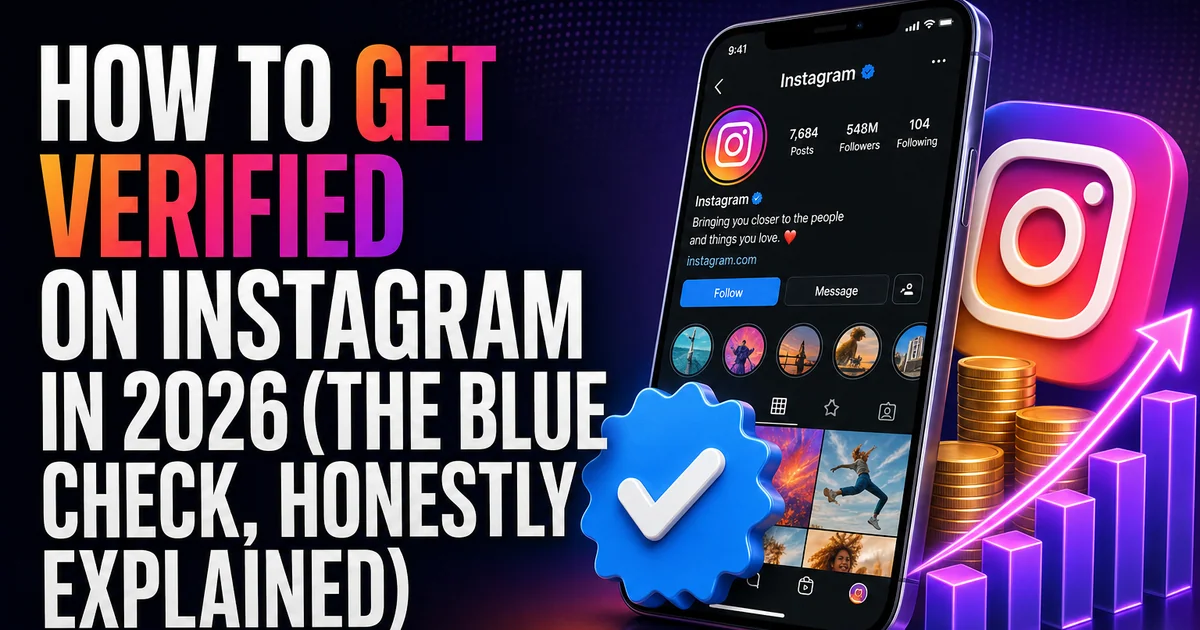
The blue checkmark used to mean one thing: Instagram had decided you were notable enough to confirm. In 2026 it means two different things, because there are now two separate routes to it. A paid subscription (Meta Verified) and the original, free 'notable public figure' review. They look identical on your profile but the path to each is completely different.
This guide breaks down both routes honestly: what you actually get, who qualifies, the exact steps, and the things that genuinely move the needle. No tricks, no 'verification services'. Those don't exist, and anyone selling one is selling a scam.
Two badges, one checkmark
Meta Verified is a paid subscription. You pay a monthly fee, confirm your identity with a government ID, and. If your account meets the basic requirements. You get the badge plus some extras like impersonation protection and priority support. It's available to most individual creators and businesses.
The legacy 'notable' verification still exists for genuinely well-known people and brands. It's free, but it's not something you buy or guarantee. Meta grants it based on whether your account is notable, authentic, unique and complete. Most accounts that get the check in 2026 do so through Meta Verified; the free route is reserved for public figures with real outside coverage.
Getting the badge through Meta Verified
This is the realistic path for most creators and small businesses. The requirements are about being a real, active, complete account, not about follower count.
- A complete profile: photo, bio, and full name that matches your ID.
- A government-issued ID with a name and photo that match the account.
- Meet the minimum activity and account-history requirements (a prior posting history; brand-new accounts may not qualify).
- Two-factor authentication switched on.
- Go to Settings → an active subscription option for Meta Verified, then follow the identity-confirmation steps.
Getting the free 'notable' check
If you're a public figure, creator or brand with real recognition, you can still request the traditional review for free from Settings → Account type and tools → Request verification. Meta weighs four things: is the account authentic (a real person/business), unique (the one presence for you), complete (public, with a bio and at least one post), and notable, meaning searched-for and featured in multiple independent news sources. Press coverage, a Wikipedia presence, or being widely covered elsewhere is what tips a free application over the line.
Paid promotions and your own websites don't count as 'notable' coverage. If you can't point to independent sources writing about you, the free route is unlikely, and that's where Meta Verified is the honest answer.
What verification does, and doesn't. Do
Verification confirms identity and builds trust. It makes you easier to find, harder to impersonate, and more credible to brands and new followers. What it does not do is hand you reach: the badge is not a ranking signal, so it won't push your Reels to more people on its own.
Reach still comes from the same place it always has. Content people watch to the end, save, and send to friends, posted to an audience that's genuinely engaged. A real, active following is also part of looking 'authentic and complete' when a reviewer or system looks at your account, which is exactly why padding a profile with fake followers works against you here.
Frequently asked questions
Read next: How to Use Longer Instagram Reels: Time Limits Explained (2026). For more, browse our Instagram guides or all posts by Jessica Adler.