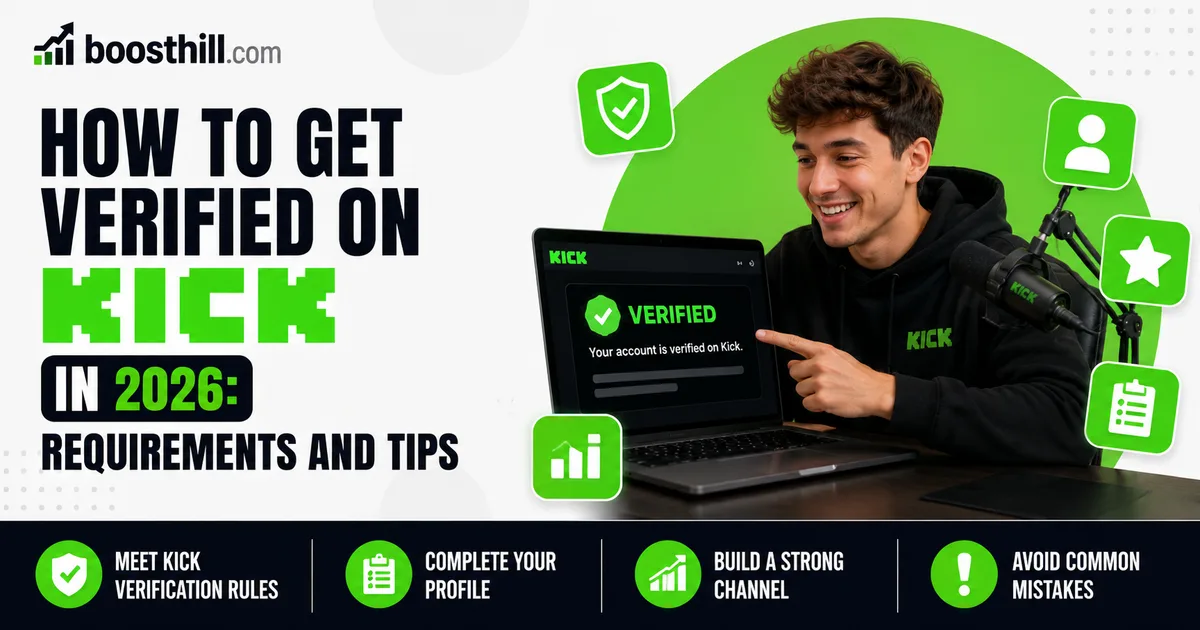
The green verified badge on Kick is a manual status that signals an established, authentic channel. Unlike a simple toggle, it is granted only after you have become a Kick Affiliate and have hit a set of performance and security benchmarks over a recent window. This guide explains what those benchmarks generally look like in 2026, how to track your progress, and how to request the badge once you qualify.
One honest note up front: Kick sets and adjusts these requirements itself, so the exact numbers can change. Treat the figures below as an approximate, current picture and always confirm against your own Kick Creator Dashboard, which shows your live progress toward each threshold.
What the verified badge means on Kick
Verification on Kick is primarily a trust and authenticity signal. It tells viewers that a channel is the genuine, established account it appears to be, rather than an impersonator or a brand-new page. It is not a guarantee of reach or income, and it does not unlock special algorithmic treatment by itself.
Because it is granted manually after a review, the badge also reflects that your growth and activity looked legitimate to Kick's team. That is worth keeping in mind: the goal is steady, real channel activity, not a rush to game a single metric.
Performance requirements (approximate, can change)
The performance side of verification looks at how active and watched your channel has been over a recent 30-day window. As of 2026, the commonly cited thresholds include streaming for at least 15 hours in the past 30 days, maintaining a minimum average concurrent viewership, drawing a set number of unique chatters, and holding a minimum number of active subscriptions in that same period.
These numbers are meaningful but not enormous, and they reward consistency more than any single big stream. If you stream regularly to a small but engaged audience, you can build toward them over a month rather than chasing them all in a weekend.
- Around 15 hours streamed in the past 30 days
- A minimum average concurrent viewer count (roughly 50 CCV is commonly cited)
- About 100 unique chatters in the past 30 days
- A minimum number of active subscriptions (around 10 is commonly cited)
- Confirm the current figures in your Creator Dashboard. They can change
Security and account requirements
Alongside the performance metrics, Kick expects your account to be secure and in good standing. This typically means having two-factor authentication enabled, a verified phone number linked to the account, and a clean record with no recent Terms of Service violations.
Kick also tends to look for recent on-channel VODs, so saving your past broadcasts rather than discarding them helps. These requirements are quick to satisfy compared with the performance side, and getting them out of the way early means nothing technical is blocking you once your numbers line up.
- Two-factor authentication (2FA) enabled
- A verified phone number on the account
- Recent on-channel VODs available
- No recent Terms of Service violations
How to track progress and apply
Kick's Creator Dashboard shows your progress toward verification, often under an Achievements or eligibility area. Check it periodically so you know which thresholds you have met and which still need work, rather than guessing.
Once the dashboard indicates you are eligible, the badge is usually requested by reaching out through the channel Kick provides for verification, typically a designated support email or in-dashboard prompt. From there it is a manual review, so a short wait is normal. Keep streaming consistently while you wait, since dropping below a threshold before the review completes can reset your standing.
Where social proof fits in
Verification rewards a channel that already looks established, and a healthy follower base is part of how a new viewer judges that. A larger following will not directly grant the badge (the badge depends on the streaming metrics above) but it can make your channel feel more credible to the viewers and potential subscribers who help you hit those metrics in the first place.
If you choose to add followers as social proof, treat it as one supporting piece alongside the real work of streaming regularly, building chat activity, and earning subscriptions. Followers alone never guarantee verification, viewers, or engagement.
Frequently asked questions
Read next: How to Multistream on Kick and Twitch With One Chat. For more, browse our Kick guides or all posts by Lyra Wilson.